How to Set Up Mailbox Sync
Availability: Mailbox Sync is included with the Home Care and Premium plans.
Would you like emails sent from your personal email to show in the corresponding client, community, or referral source profile? With Senior Place mailbox sync, you can do just that. After setting up mailbox sync, you'll be able to view full email conversations within Senior Place, including emails sent from your personal inbox. Here's how to get started:
1) Navigate to My Settings > Email
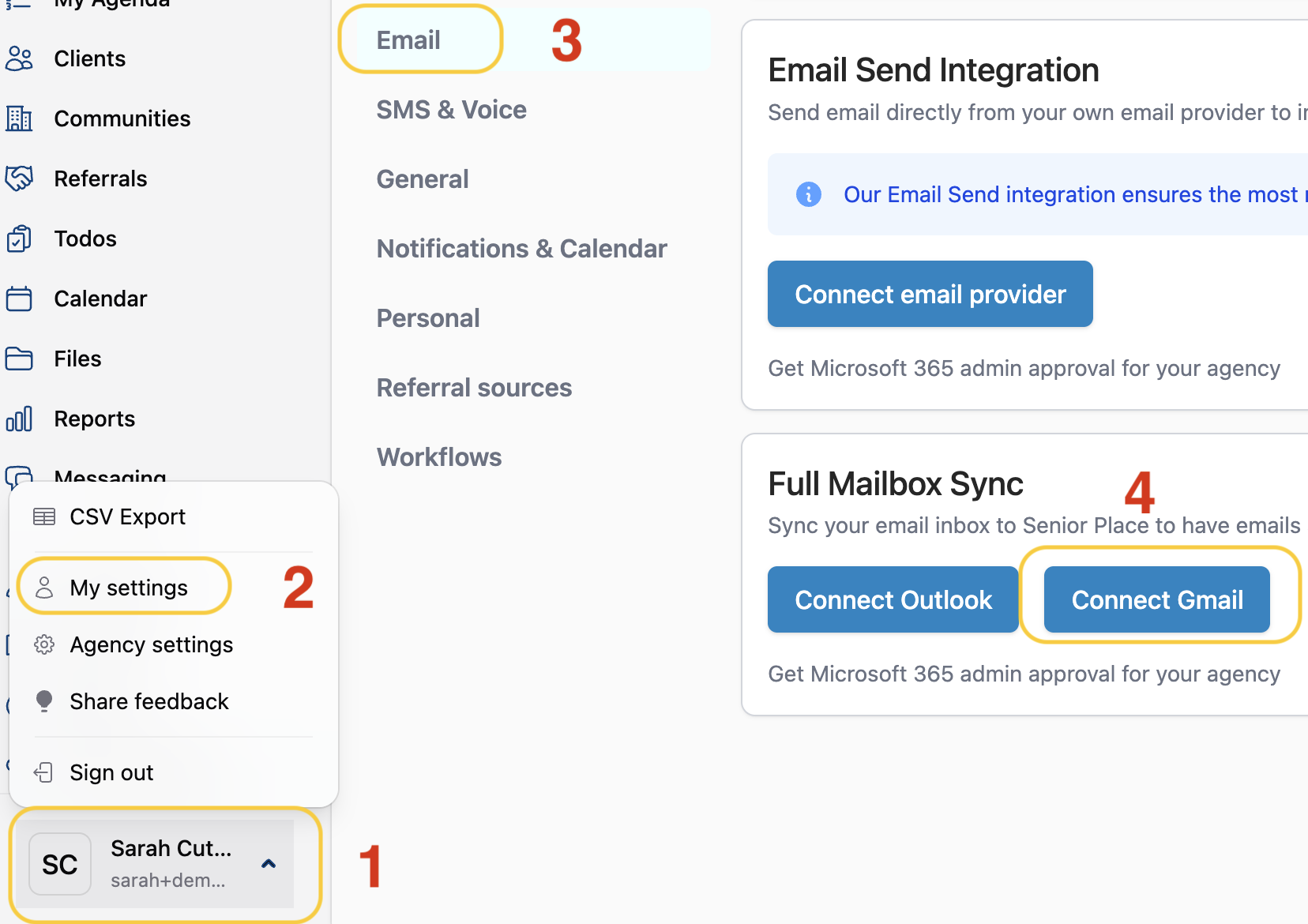
- Navigate to the profile menu
- Select My settings
- Click Email
- Select Connect Gmail
2) Allow Senior Place Access to Your Gmail Account
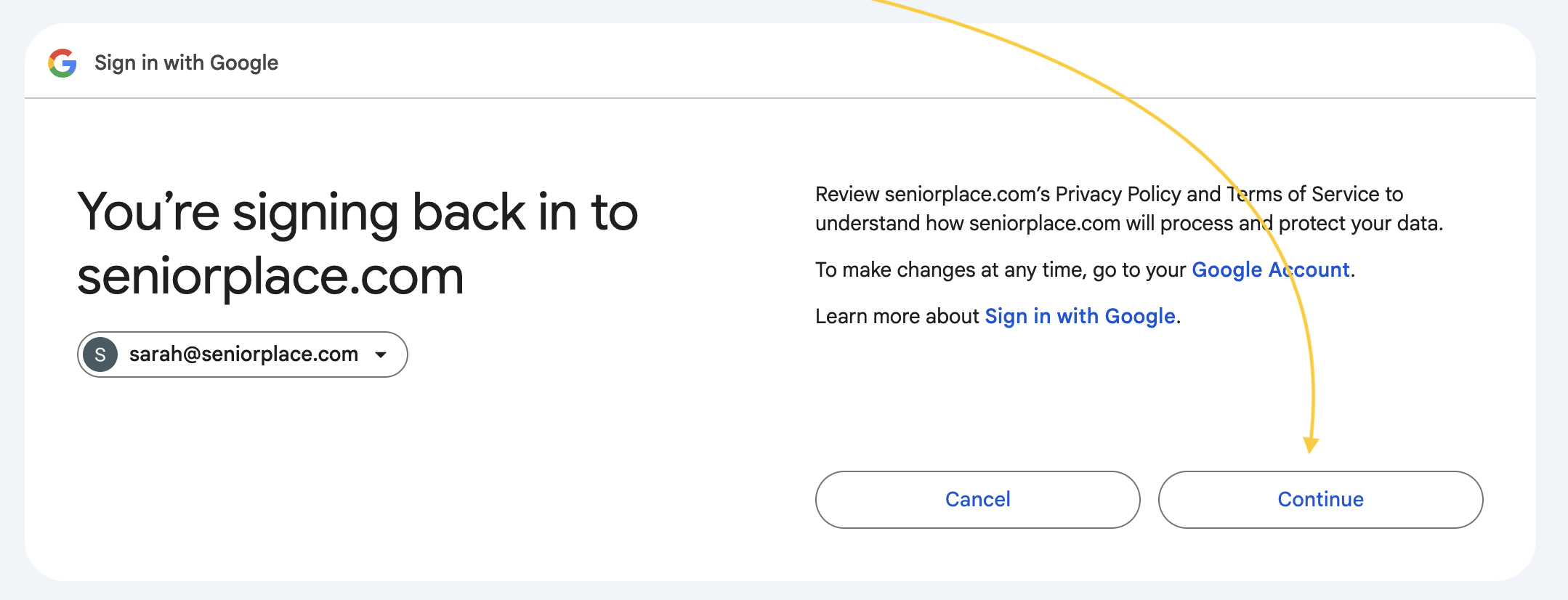
- Select Continue
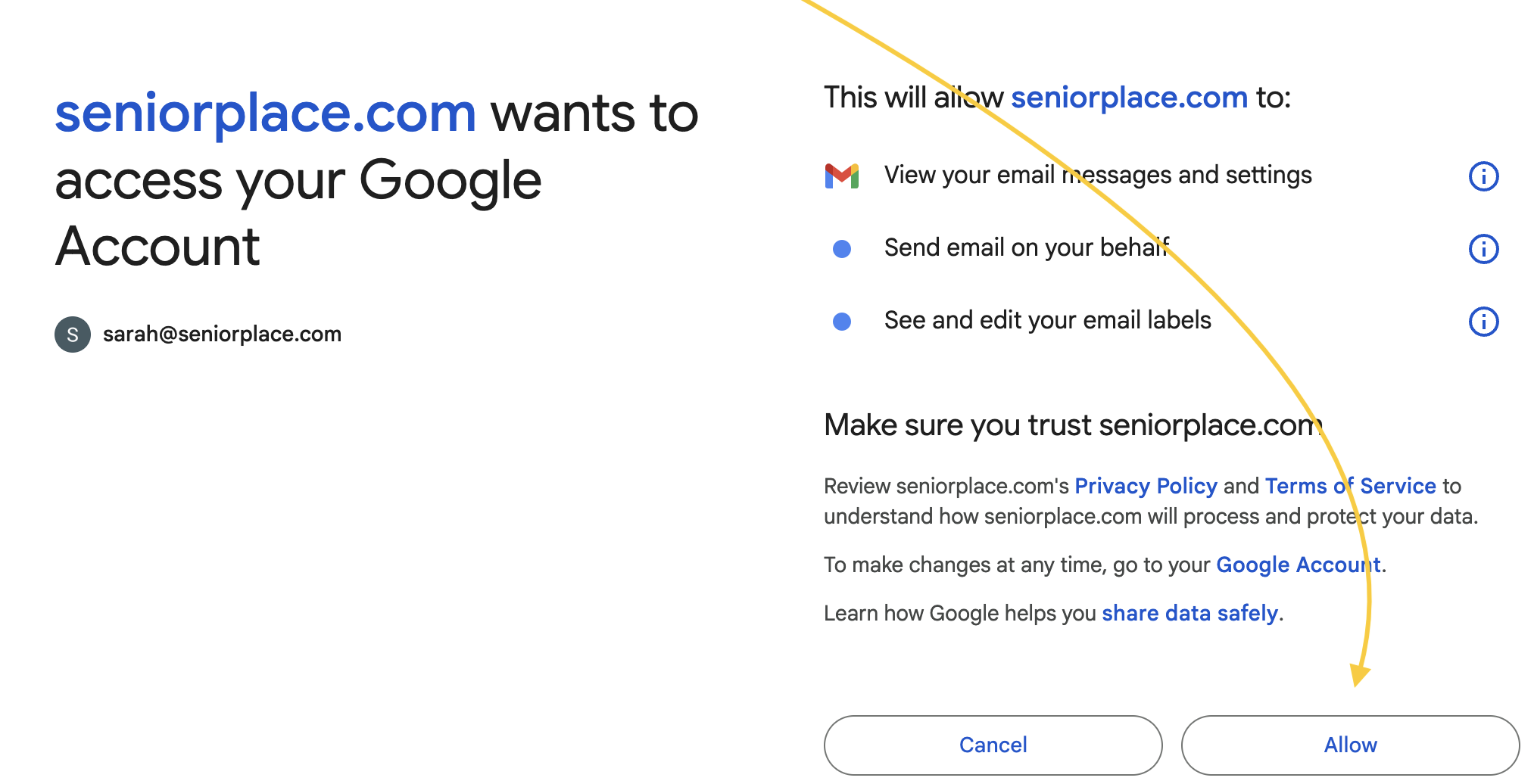
- Click Allow
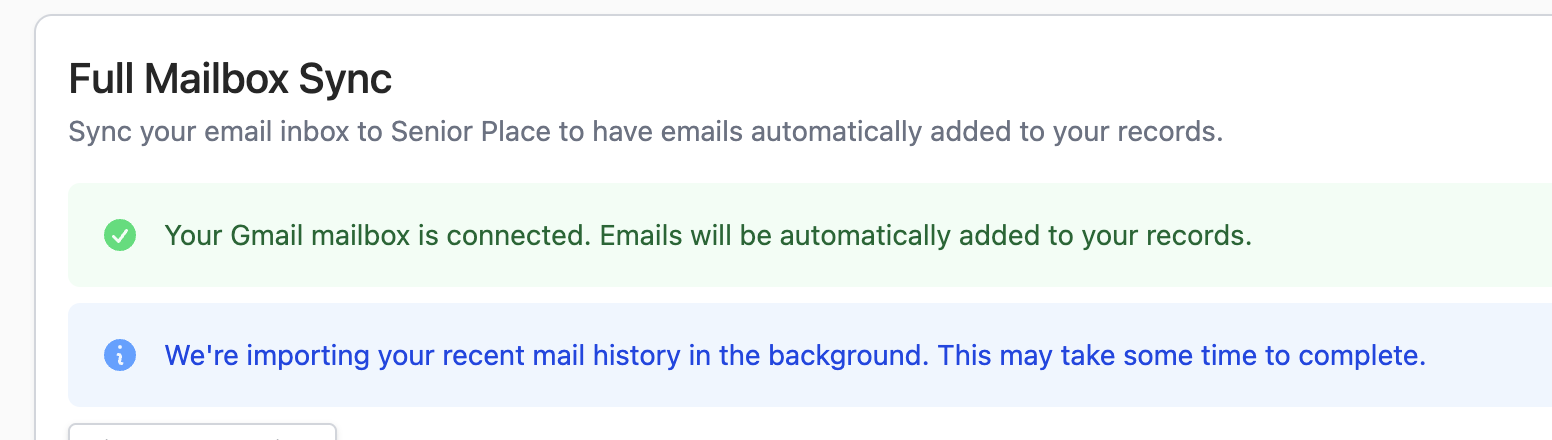
- Mailbox sync is now set up for your Senior Place account.
How to Set Up Mailbox Sync for Outlook
1) Navigate to My Settings > Email
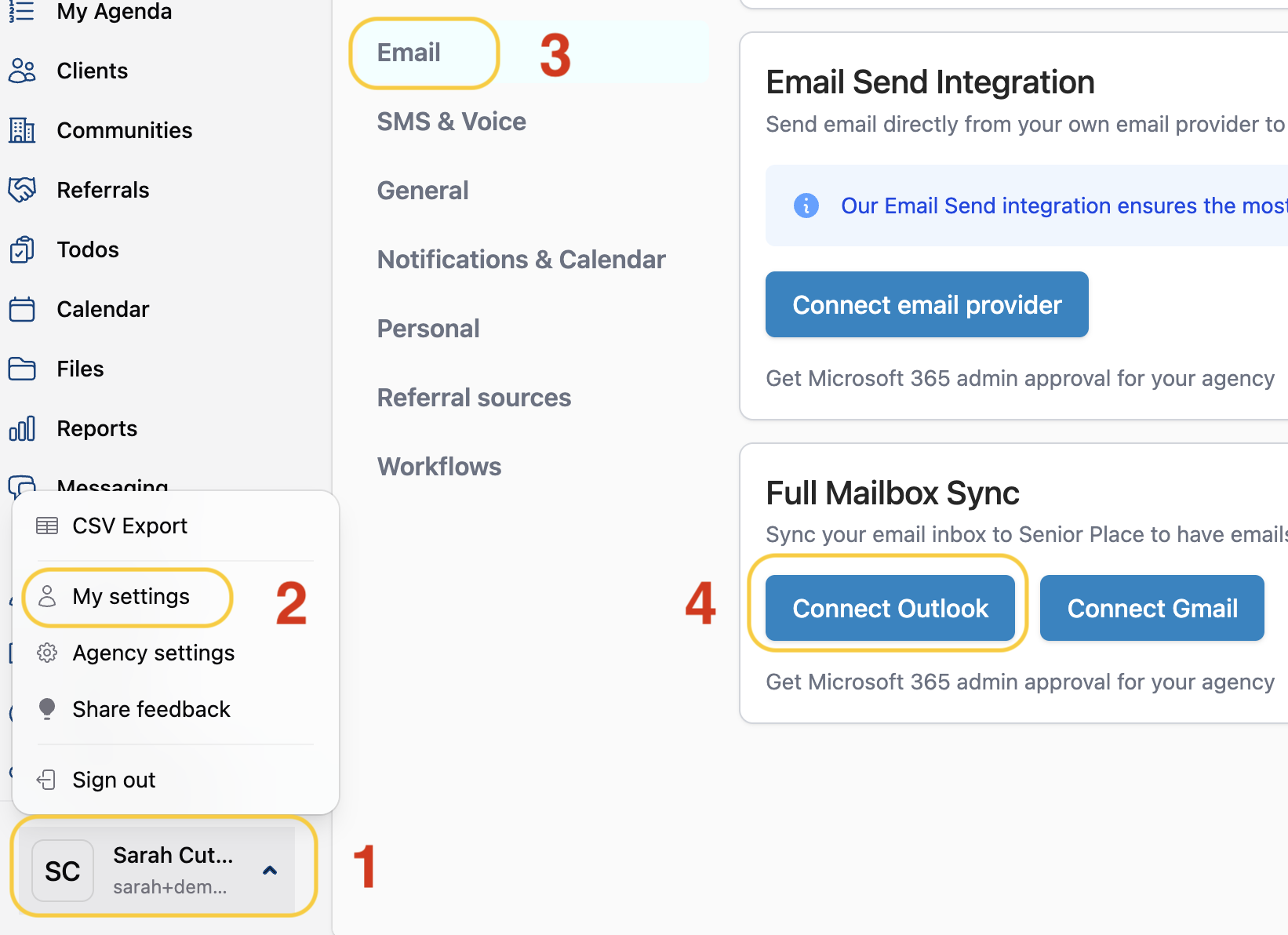
- Navigate to the profile menu
- Select My settings
- Click Email
- Select Connect Outlook
2) Allow Senior Place Access to Your Outlook Account
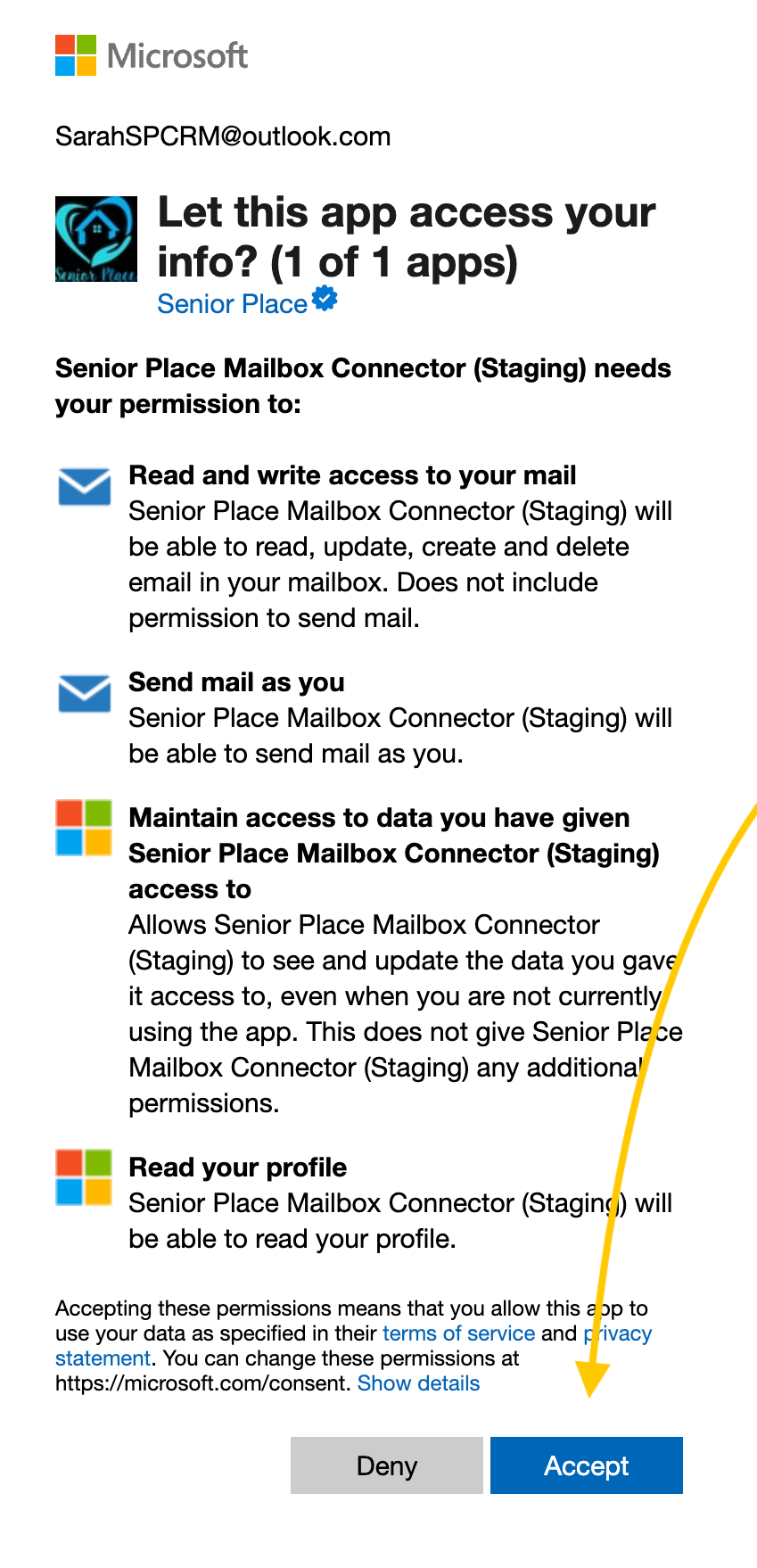
- Click Accept to allow Senior Place to access your Outlook account.
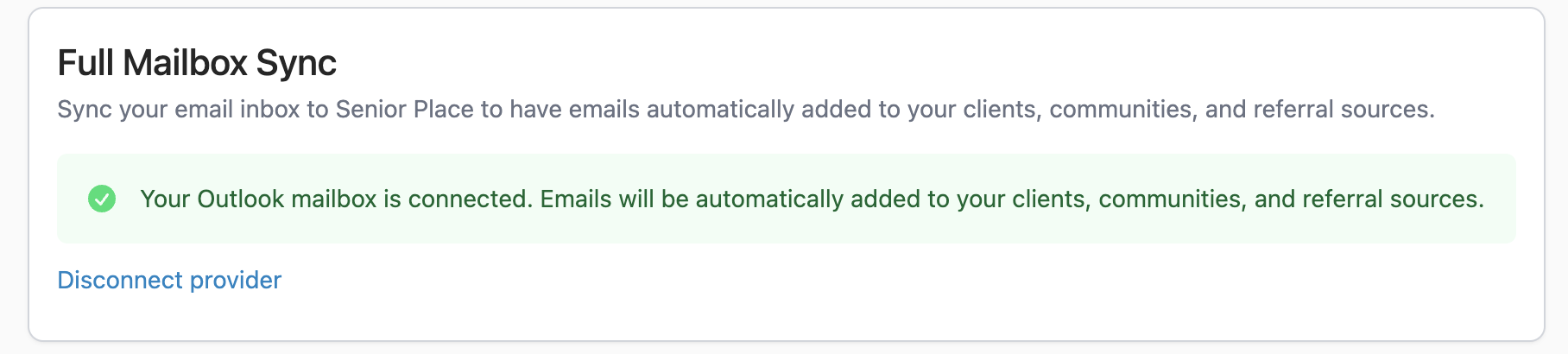
-
Mailbox sync is now set up for your Senior Place account.
Have more questions? Feel free to reach out to us at support@seniorplace.com!